
Star Wing

Shooting Games5.0out of 5238.0K plays
Play Now ▶

Game Info

Category
🎯 Shooting Games
Name
Star Wing
Rating
⭐ 5.0 / 5
Plays
238.0K
Play type
Browser
Free
Yes

About the Game

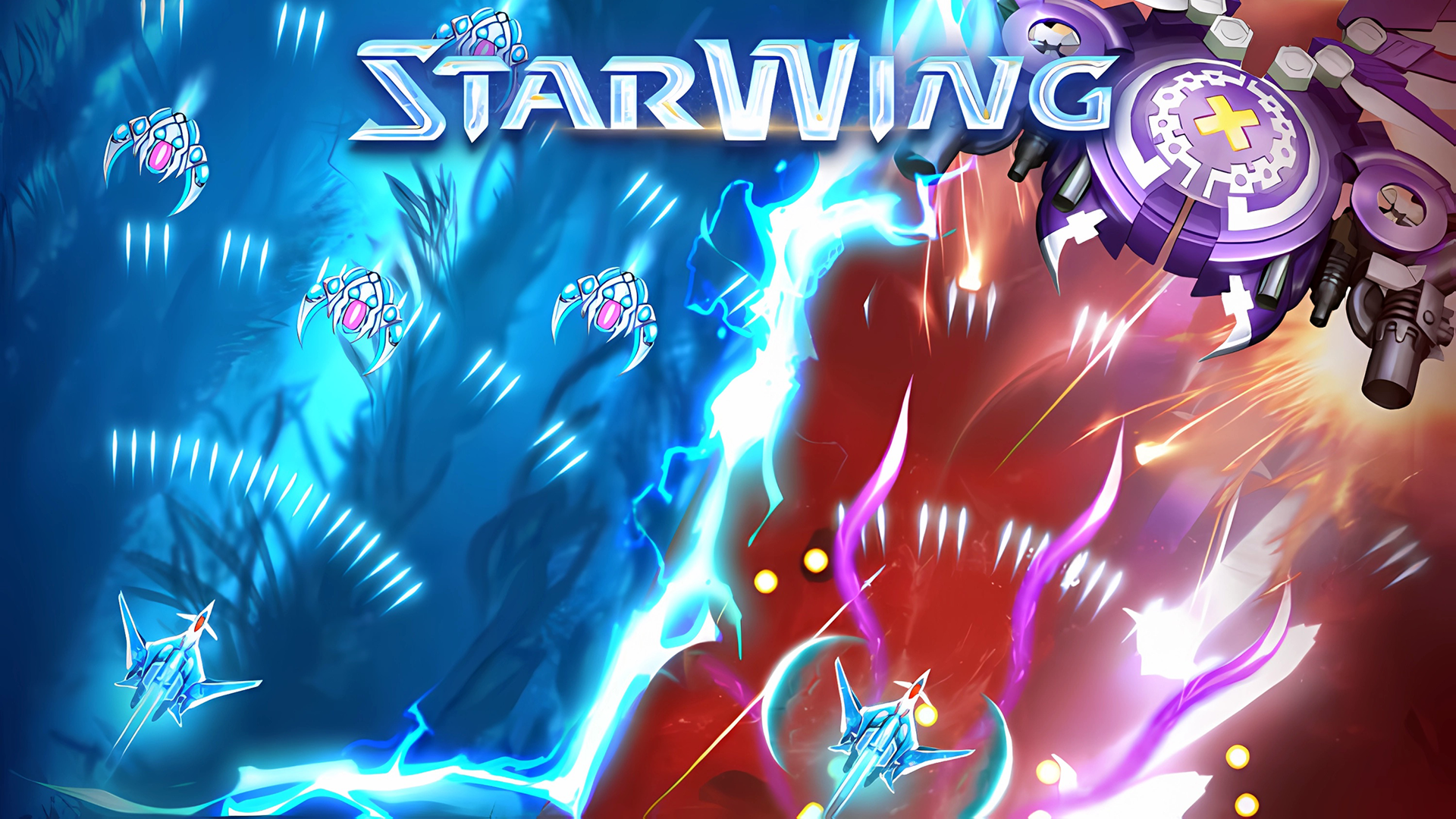
Star Wing is a gripping space shooter that places you at the controls of Earth's lone surviving fighter ship as alien forces close in from every direction. Across each stage you navigate hostile star fields packed with enemy craft, incoming missiles, and environmental hazards — all demanding fast reflexes and precise movement to survive. Massive boss encounters cap each major wave, testing everything your piloting skill and chosen upgrades have built up to that point.

The upgrade system is what elevates Star Wing above a simple arcade blaster. Defeating enemies earns resources you can spend between levels to customise your spacecraft — boosting your primary fire rate, expanding shield capacity, unlocking spread-shot or laser beam weapons, and raising your ship's overall speed. This progression system makes each session feel meaningful, and the growing diversity of enemy types forces you to adapt your build strategy rather than relying on a single overpowered approach for every wave.

Star Wing strikes the perfect balance between the nostalgic appeal of classic arcade shooters and the depth of modern progression-based games. Newcomers can jump straight into the action thanks to intuitive controls, while veteran shmup players will find plenty of challenge in the later waves. The game is entirely free to play in your browser on Plixfy — no download required — and runs smoothly on both desktop and mobile devices, so you can defend Earth wherever you happen to be.

How to Play

  1. Move your spaceship using WASD or the arrow keys on desktop — on mobile, drag your finger across the screen to steer.
  2. Your ship fires automatically, so focus entirely on movement and positioning to maximise hits and dodge incoming fire.
  3. Destroy all enemies in each wave to clear the stage and trigger the next round of attackers.
  4. Collect power-up drops from defeated enemies to temporarily boost your firepower or restore your shields.
  5. Spend upgrade points earned between levels to improve your ship's weapons, shields, or speed before the next wave.

Tips & Tricks

  • Stay in constant motion at all times — a stationary ship is an easy target and will be destroyed quickly.
  • Prioritise shield upgrades in the early game; surviving longer lets you accumulate far more upgrade resources per run.
  • Clear smaller, faster enemies first to reduce the number of incoming projectiles on screen at any given moment.
  • Study each boss's attack cycle — their moves follow a predictable pattern, so dodge first and shoot in the gaps.
  • Unlock spread-shot weapons as soon as possible; they are invaluable against the dense enemy formations you face in mid-game.

FAQ

Is Star Wing free to play?

Yes — Star Wing is completely free on Plixfy with no download or account required to start playing.

Can I play Star Wing on mobile?

Yes — touch-and-drag controls are fully supported, so you can play comfortably in any smartphone or tablet browser.

Does the game save upgrade progress between sessions?

Upgrade progress is typically stored locally in your browser, so avoid clearing your browser data if you want to keep your ship's loadout intact.

Is Star Wing a multiplayer game?

Star Wing is a single-player experience focused on personal high scores and surviving increasingly difficult alien waves on your own.