
Numicolor
Casual
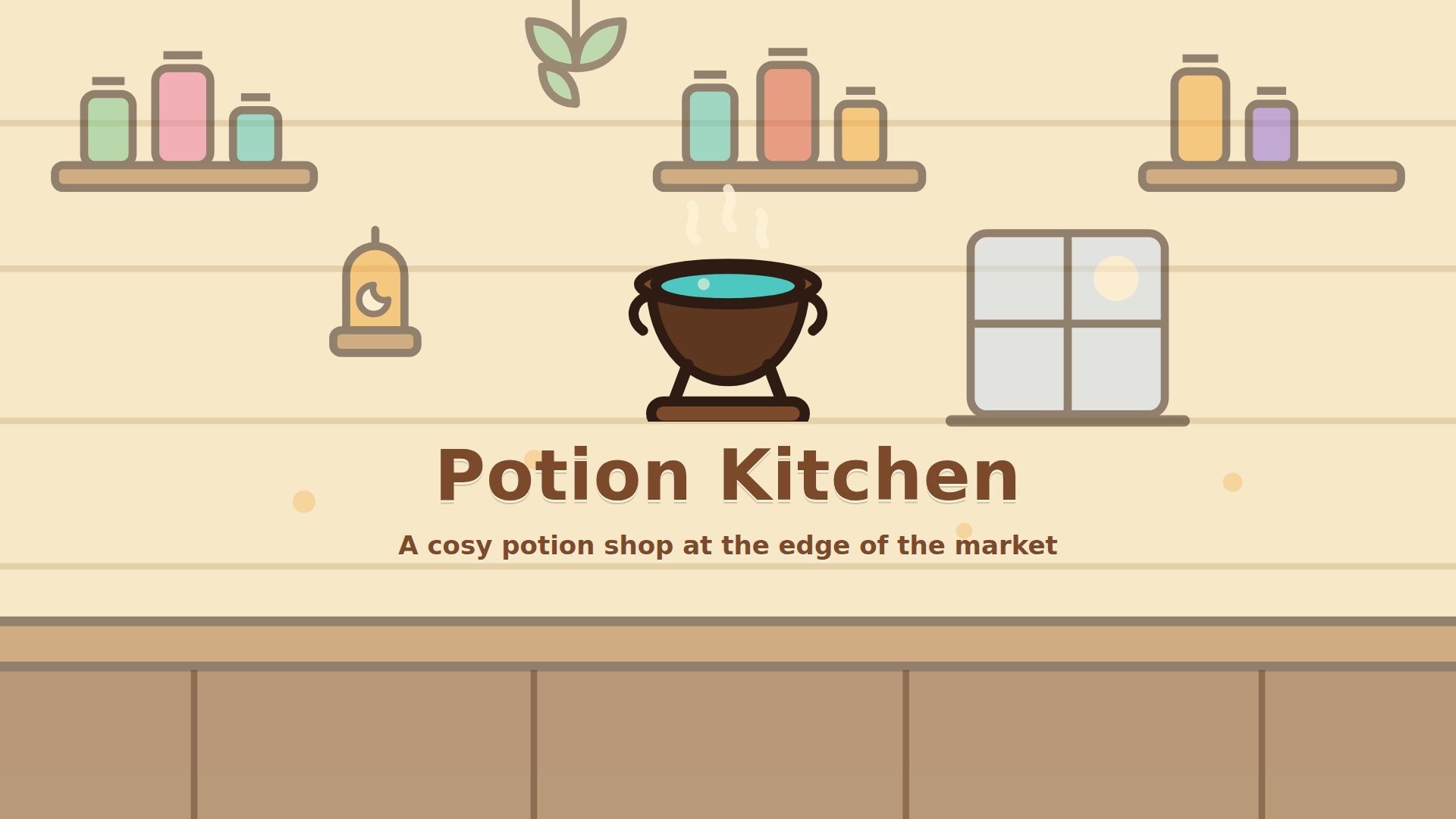
Potion Kitchen is a cosy crafting puzzle about running a potion shop at the edge of the market. Guests arrive with orders — one needs a potion of warmth, another a good night's sleep, and some speak in riddles and expect you to work it out. Mix ingredients in the cauldron, brew, and serve before your guest gives up. The recipe book starts empty: all 19 recipes are unlocked by brewing alone, and every one of them can be reasoned out rather than guessed, because the ingredients of a potion share one element.
Serve every guest before their patience runs out. 1. Press "Start shift" — the first guest walks up to the counter. 2. Read the order. A direct request names the potion, a riddle describes its effect; the hints below the order narrow it down. 3. Tap an ingredient on the shelf or drag it into the cauldron. It holds two ingredients, or three once upgraded. 4. Press "Brew" and see what came out. An exact match is "Perfect", but any real potion still sells. 5. Press "Serve": the guest pays in coins and reputation, and a new recipe goes straight into the book. 6. Between shifts, spend coins in the shop on kitchen upgrades. Mouse, touch or keyboard — Space or Enter to brew and serve, C to empty the cauldron, H for a hint, B for the recipe book, P or Esc to pause, M for sound.
Yes, Potion Kitchen is available to start without an entry fee on Plixfy. The game may contain ads or optional purchases; check its details and in-game terms.
No, Potion Kitchen runs in your browser without installing an app. Open the play screen and allow the game files to load; loading time depends on your connection and device.
Potion Kitchen is listed by Playgama as supporting mobile and desktop. This does not verify every device; check its control instructions and try it on your device.