
Mahjong Classic
Puzzle
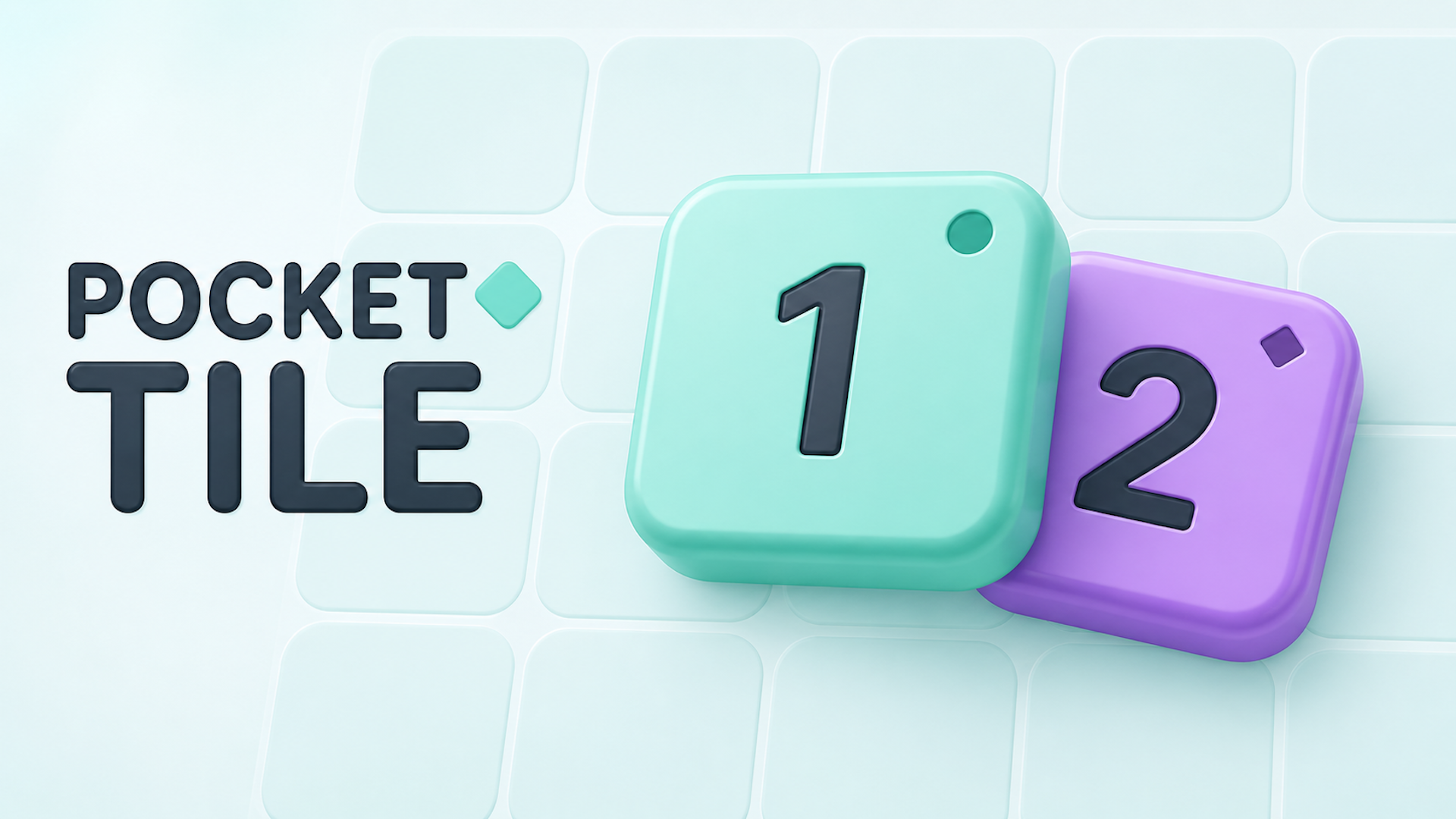
Pocket Tile is a colorful puzzle game where every placement counts. Place tiles on a 5×5 board and connect three matching numbers and colors. When they glow, choose where to merge them into a higher tile! Use Clone tiles to copy matching-color numbers and Change Color tiles to recolor a neighbor. Plan ahead, make room, and keep your merges going. Enjoy three ways to play: - Daily Puzzle: A fresh shared puzzle every day. - Adventure: Complete tile goals across 50 levels. - Rank Game: Start with an empty board and compete for a high score. Simple tap controls, charming cartoon artwork, and satisfying merges make Pocket Tile easy to learn and fun to master.
1. Place the current tile in an empty space on the 5×5 board. The Next preview shows what’s coming. 2. Connect three tiles with the same number and color horizontally or vertically. Diagonal tiles don’t connect. 3. Matching tiles glow automatically. Tap any glowing tile to merge the three—the upgraded tile stays where you tap. 4. Three 1s become a 2, three 2s become a 3, and so on. A normal merge scores the new tile’s value. 5. Mint tiles have a circle marker; violet tiles have a diamond. Both number and color must match to merge. 6. Change Color tiles have a paintbrush icon and a neutral background. They switch the pointed neighboring number from mint to violet or vice versa, keeping its value. The Change Color tile is consumed when it activates. 7. Clone tiles become the number they point toward if it matches their color. The original tile stays. Both specials wait if no valid numbered neighbor is present. 8. Keep placing and merging while moves remain. In Adventure, create all the displayed goal tiles and keep them on the board together to complete the level. Controls: Tap or click tiles and buttons. No keyboard controls are required.
Yes, Pocket Tile is available to start without an entry fee on Plixfy. The game may contain ads or optional purchases; check its details and in-game terms.
No, Pocket Tile runs in your browser without installing an app. Open the play screen and allow the game files to load; loading time depends on your connection and device.
Pocket Tile is listed by Playgama as supporting mobile and desktop. This does not verify every device; check its control instructions and try it on your device.