
Mahjong Classic
Puzzle
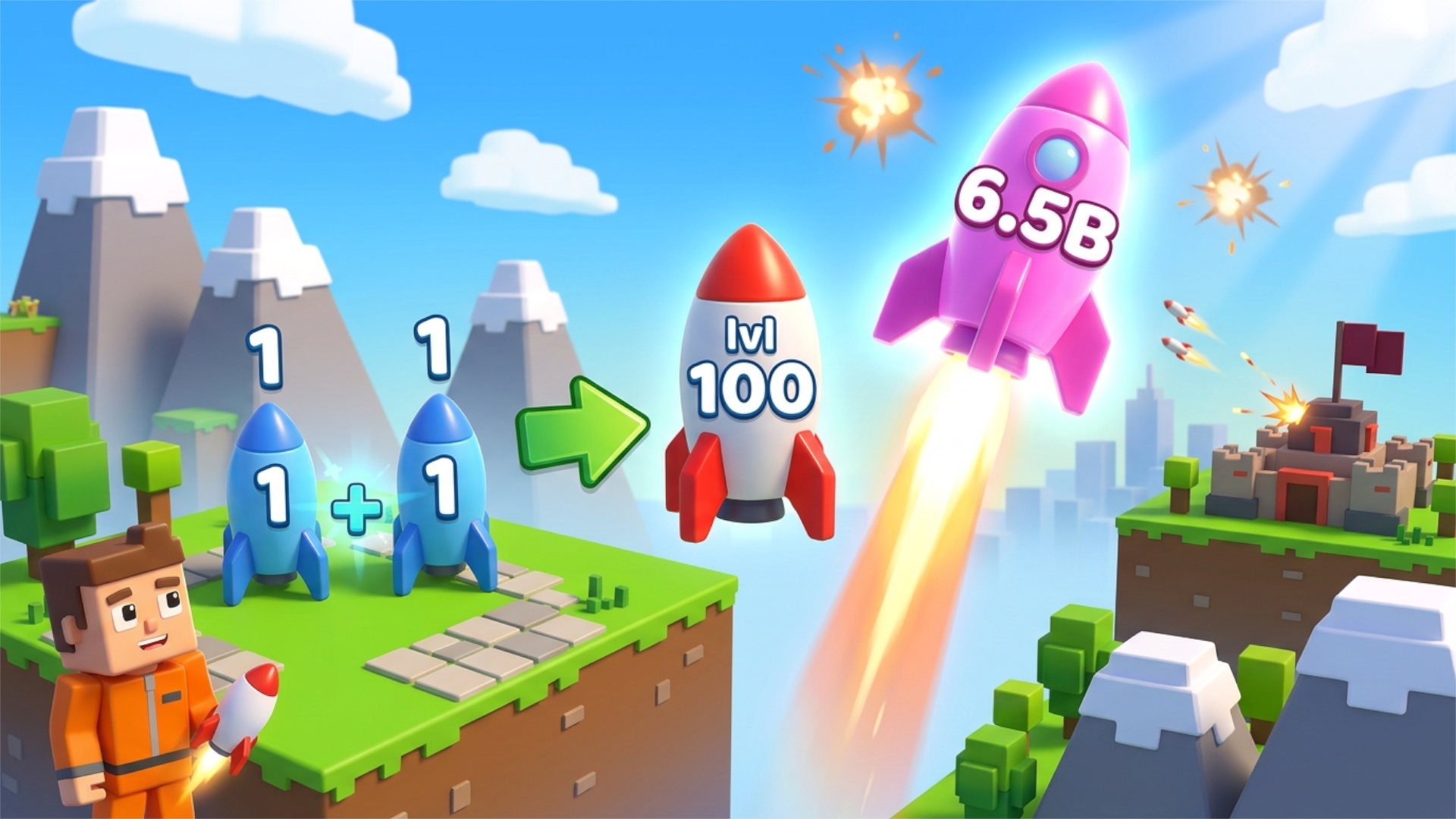
Merge rockets and defend your city! Pick up rockets, combine two of the same level to make a stronger one, then launch them at the enemy base before it destroys your town. Spend in-game coins on upgrades, raise your shield for protection, and use Rebirth to start over with bigger in-game bonuses.
Walk up to a rocket to pick it up. Carry it to another rocket of the same level to merge them into a higher-level rocket. Press Launch to fire your rocket at the enemy base, or Drop to put it down. Collect in-game coins and open Upgrades to get better rockets and carry more of them. Activate the Shield when the enemy attacks. Use Rebirth to reset your progress for an in-game bonus. You can also watch an optional ad to boost your rocket's damage or double your in-game coins. Controls: PC: WASD or arrow keys to move, mouse to look around, Space to jump, Shift to sprint. Mobile: on-screen joystick to move, swipe the screen to look around, Jump button to jump. Use the on-screen buttons for Launch, Drop, Shield, Upgrades, Shop, Rebirth and the sound toggle.
Yes, Merge a Rocket! is available to start without an entry fee on Plixfy. The game may contain ads or optional purchases; check its details and in-game terms.
No, Merge a Rocket! runs in your browser without installing an app. Open the play screen and allow the game files to load; loading time depends on your connection and device.
Merge a Rocket! is listed by Playgama as supporting mobile and desktop. This does not verify every device; check its control instructions and try it on your device.