Game Info
- Category
- 🎯 Casual Games
- Name
- Geometry Arrow 2
- Rating
- ⭐ 3.9 / 5
- Plays
- 146.0K
- Play type
- Browser
- Free
- Yes
About the Game
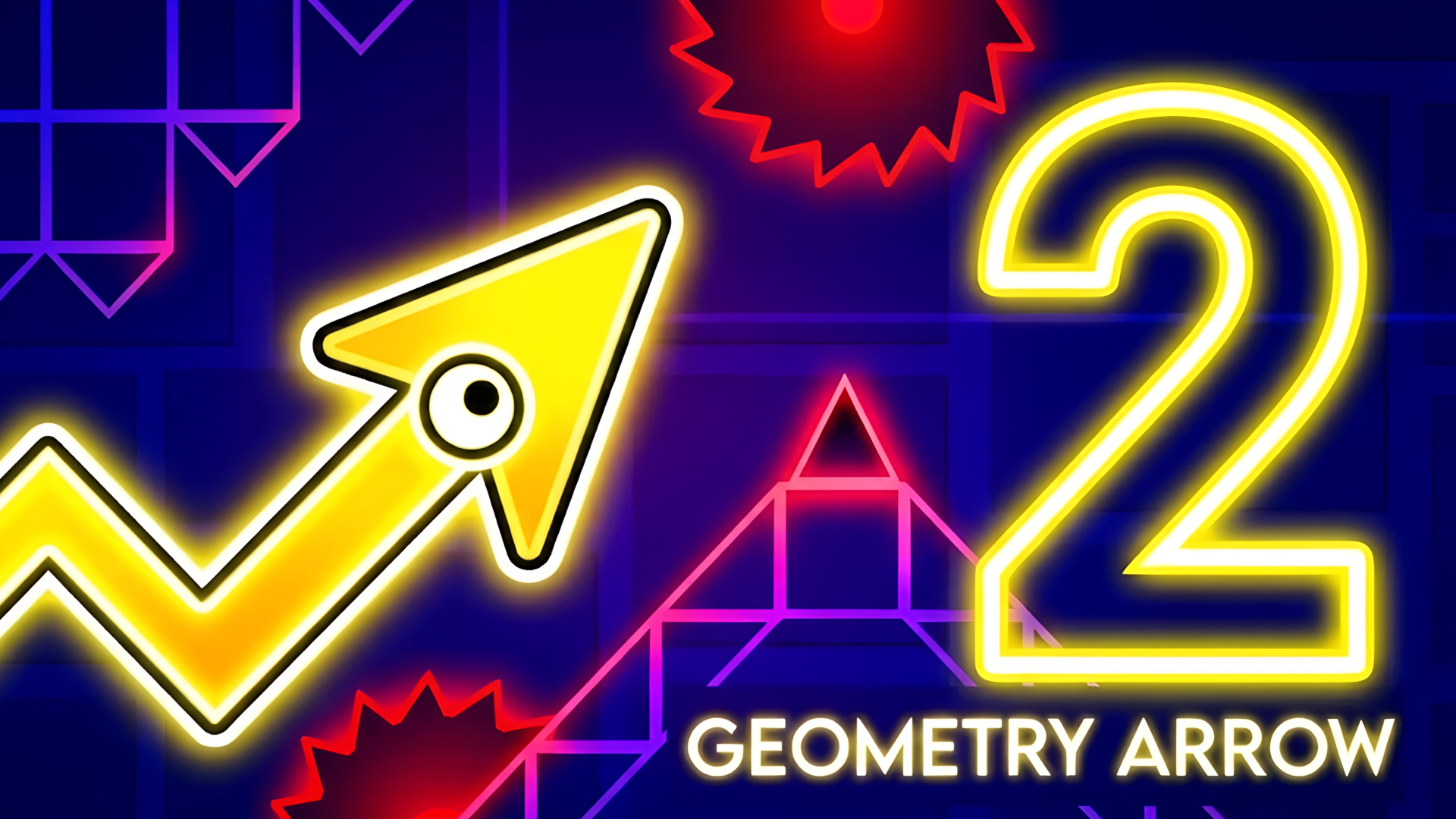
Geometry Arrow 2 is a precision reflex platformer that challenges you to guide a speeding arrow through a series of underground cave levels, each packed with increasingly devious obstacles. Building on its predecessor, this sequel introduces a brand-new Wheel character that rolls through dedicated level segments, adding satisfying variety to the rhythm-driven obstacle dodging that defines the series.
With 13 levels of escalating difficulty, the game delivers a genuine progression curve — earlier stages let you settle into the controls and feel the rhythm, while later levels push your reaction speed and spatial awareness to their limits. A standout addition is the visual customization system: swap your arrow's skin, change the ball's appearance, alter block textures, and tweak particle effects to make your playthrough feel uniquely yours. It's a small touch that adds surprising replay value.
Geometry Arrow 2 is an excellent fit for fans of reflex-testing platformers who enjoy mastering punishing patterns through focused repetition. The rush of finally clearing a section that stopped you a dozen times is incredibly rewarding. Play it entirely free in your browser on Plixfy — no sign-up or download needed — and enjoy smooth performance on both desktop and mobile so you can practice wherever you happen to be.
How to Play
- On desktop, press Space or the Up arrow to make the arrow jump over obstacles.
- On mobile, tap the screen to jump — timing your taps to the level's rhythm is everything.
- In Wheel segments, tap or hold to control the wheel's bounce and roll through dedicated course sections.
- Reach the glowing portal at the end of each cave level to complete it and unlock the next stage.
- Visit the customization menu before starting to change your arrow, ball skin, block textures, and particles.
Tips & Tricks
- Pay attention to the background music — the beat often telegraphs when the next obstacle is about to arrive.
- On a new level, watch the obstacle layout for a few attempts before going full speed — pattern recognition is the key skill here.
- When you die, note exactly where the obstacle was positioned so you can adjust your jump timing on the next attempt.
- Wheel segments follow their own momentum rules — let the wheel build natural speed rather than tapping too aggressively.
- Stick with one visual skin set until you clear a level — changing textures mid-attempt can subtly disrupt your spatial recognition.
FAQ
How many levels does Geometry Arrow 2 have?
The game includes 13 levels of varying difficulty, combining classic Arrow segments with the new Wheel segments introduced in this sequel.
What is the Wheel character?
The Wheel is a new playable form added in Geometry Arrow 2 that appears in specific level sections, offering different movement physics and mechanics compared to the classic arrow.
Is Geometry Arrow 2 very difficult?
It starts accessible but difficulty ramps up quickly. Later levels demand precise timing and fast reflexes — expect to retry sections many times before finally clearing them, which is part of the fun.
Can I play on mobile?
Yes, the game runs in mobile browsers and responds to tap controls, so you can play on any smartphone or tablet without downloading an app.