
PVZ Fusion Cheats
Action
Fixed the reported issue: progress was not restored after a reload. Root cause: bridge.storage.get() returns the saved value already parsed as an object, while the game expected a JSON string and parsed it again, which threw and silently discarded the save. Changes: - storage.get() now accepts both shapes (object and string). - The save is loaded BEFORE gameplay is shown: a loading screen is displayed and input is ignored until storage.get() resolves, so a fresh default save can no longer overwrite real progress during startup. - Saves carry a revision counter, so after "finish a level, then buy an upgrade" the newest copy always wins instead of an older one at the same level. - Any pending write is flushed on page hide / unload, so the last action before a reload is never lost. Verified in the QA tool: state written before Reload game is fully restored after it.
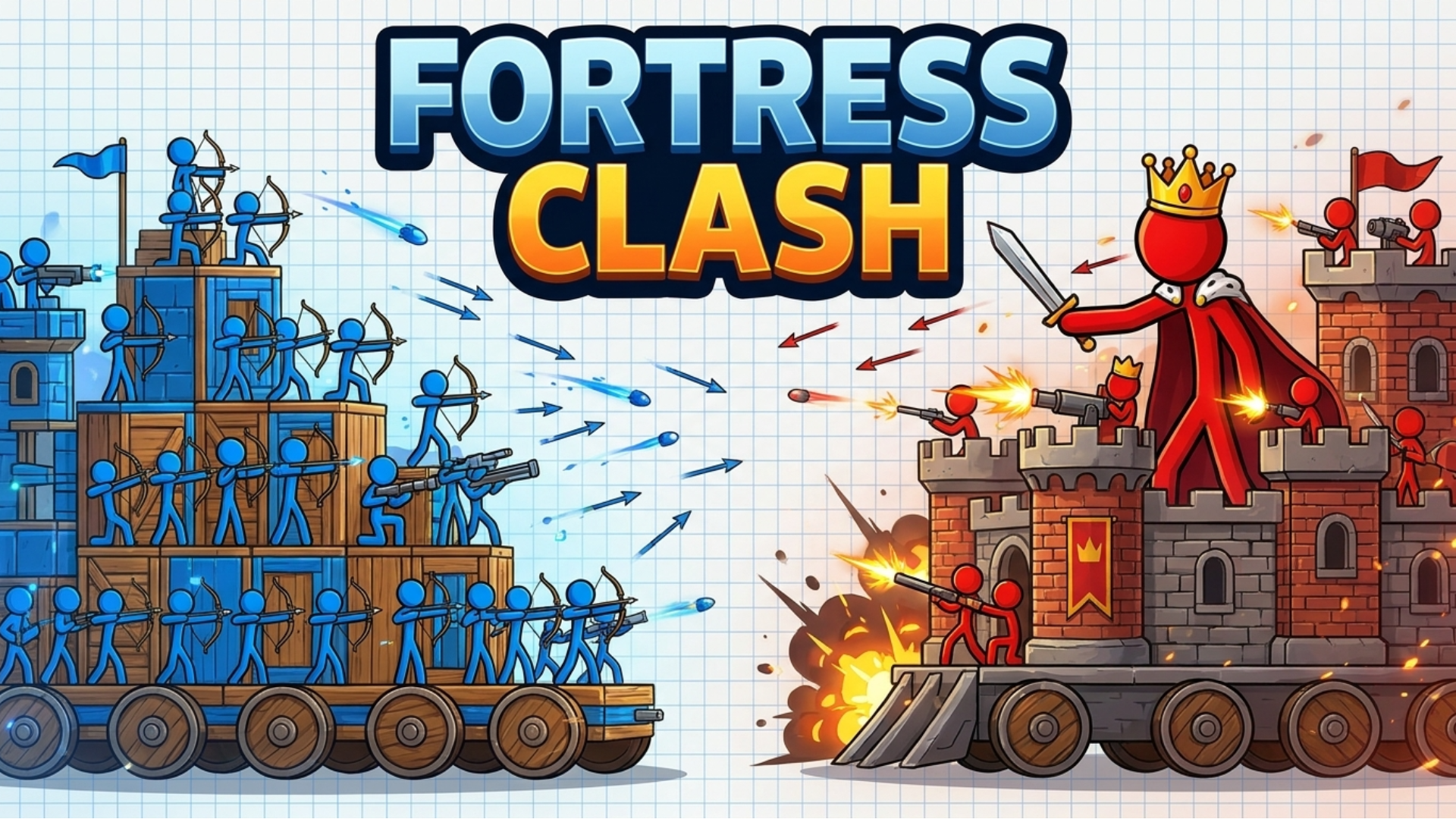
Pick a block or unit from the bottom tray, then tap the grid to place it on your cart and build your fort and army. Blocks cost coins; every win pays out coins and lets you choose a bonus reward. Press Battle to launch - your archers and units fire at the enemy fort automatically. Win by destroying the enemy king: knock him off his cart, bury him in rubble, or blast through his walls. Spend coins on the Upgrade screen to level up units and unlock new weapons (cannon, crossbow, laser, grenade). Play with mouse or touch - no keyboard needed.
Yes, Fortress Clash is available to start without an entry fee on Plixfy. The game may contain ads or optional purchases; check its details and in-game terms.
No, Fortress Clash runs in your browser without installing an app. Open the play screen and allow the game files to load; loading time depends on your connection and device.
Fortress Clash is listed by Playgama as supporting mobile and desktop. This does not verify every device; check its control instructions and try it on your device.