
Sprunki World Online RP - Play with Friends!
.io
Official preview video provided by Playgama
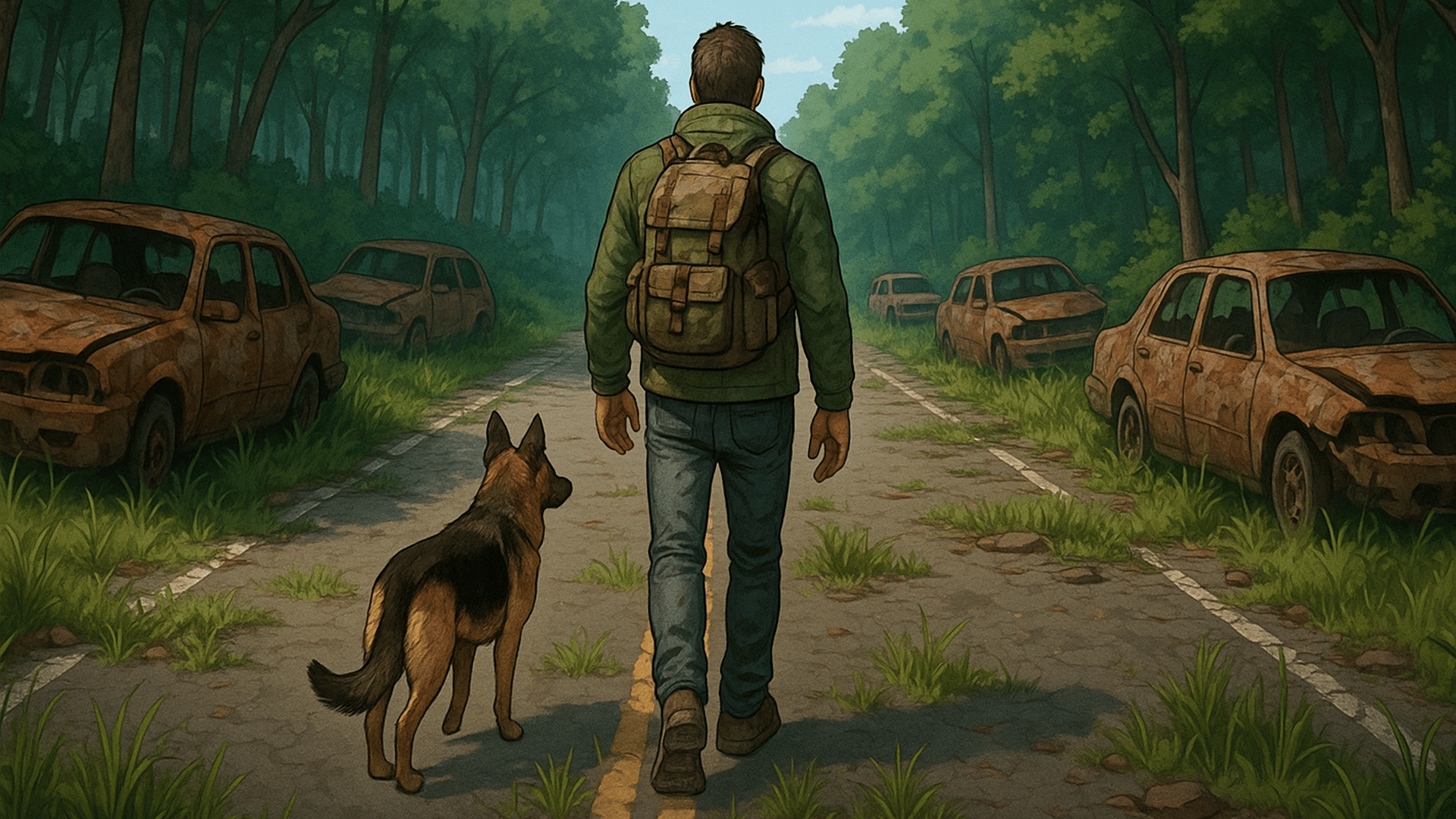
Dead Land: Survival is a multiplayer survival simulator set in a post-apocalyptic setting. The familiar world is destroyed – cities are in decay, with thousands of bloodthirsty zombies roaming their streets. Improve your hero, restore your shelter, venture beyond the safe zone in search of equipment, food, and crafting resources. Create new gear, join forces with other players in clans. FEATURES: • Battles against zombies. • Crafting weapons and equipment. • Restoration of the survivors' settlement. • Play with friends – raid elite bosses and participate in clan challenges! Join the battles right now!
How to repair items? Broken items can be repaired in the Workshop building under the Repair tab. How to install a new chest in the warehouse? To do this, you need to free up space in the warehouse. Remove one of the installed boxes, clearing it of items, and then place the new chest in its spot. What are lighters, cigarettes, matches, pine cones, and other items for? Most in-game items may be needed for completing settler quests, and some items can be used to upgrade buildings and shelters. You can either accumulate items in advance or collect them as needed, selling excess items to the trader in the settlement. Choose a strategy that suits you best. I collected 75 ears and can't enter Amelia's Diner, even though I brought them with me. To unlock the location, move the infected ears from your inventory to the slot with the requirement 0/75. How to start the game from the beginning? Go to Profile, then Settings. Click on the "Start Over" button.
Yes, Dead Land: Survival is available to start without an entry fee on Plixfy. The game may contain ads or optional purchases; check its details and in-game terms.
No, Dead Land: Survival runs in your browser without installing an app. Open the play screen and allow the game files to load; loading time depends on your connection and device.
Dead Land: Survival is listed by Playgama as supporting mobile and desktop. This does not verify every device; check its control instructions and try it on your device.