

Sprunki World Online RP - Play with Friends!
.io
Official preview video provided by Playgama
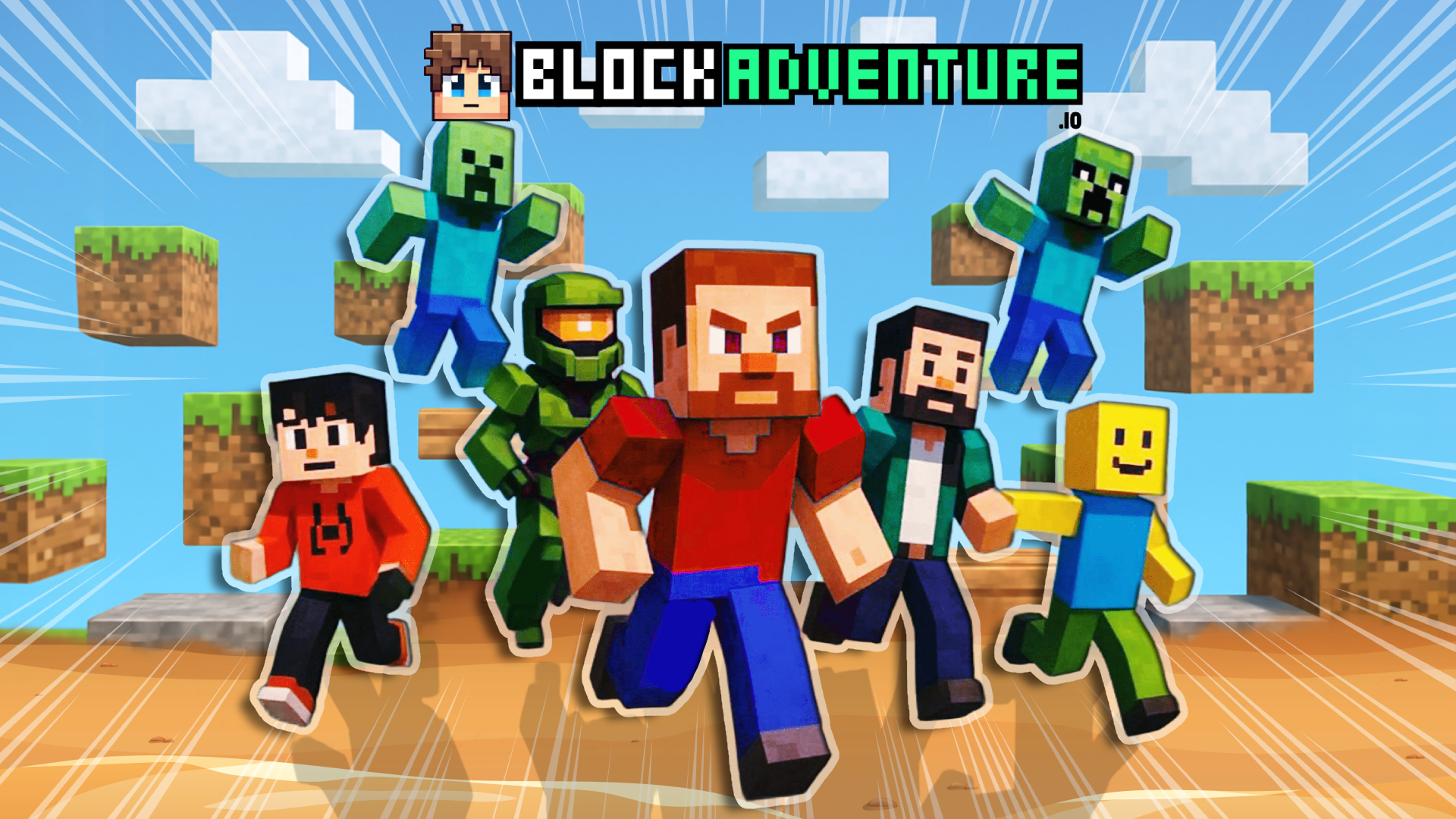
🌍 Welcome to BlockAdventure! Dive into the thrilling world of BlockAdventure, a Minecraft-inspired online multiplayer experience packed with parkour challenges, obby adventures, and endless fun! Explore blocky worlds, compete with other players, and push your skills to the limit. Whether you’re jumping across floating platforms or racing through tricky maps, there’s always something exciting to do. Customize your style in the Skin Menu — choose your favorite look and stand out from the crowd as you conquer each obstacle! And the best part? This is just the beginning. New game modes and adventures are already on the way! 🚀 Coming Soon Features • 🎮 Mini-Games Hub – Unlock and play various mini-games with friends • 🧩 Puzzle-Based Maps – Solve environmental puzzles to progress • 👥 Custom Avatars & Skins – Personalize your character even more • 🏆 Leaderboard System – Climb the global ranks and show off your skills • 🛠️ Level Editor – Build and share your own parkour or obby maps • 🌎 New Game Worlds – Unique themes and environments to explore ⸻ 🕹️ Controls Desktop Controls: • W / A / S / D or Arrow Keys: Move • Spacebar: Jump • C: Change camera view • F: Step back (return to ch…
🕹️ Controls Desktop Controls: • W / A / S / D or Arrow Keys: Move • Spacebar: Jump • C: Change camera view • F: Step back (return to checkpoint or previous step) Mobile Controls: • On-Screen Joystick: Move freely • Jump Button: Tap to jump • Camera Button: Toggle camera view • Back Button: Go back to previous checkpoint
Yes, Blockadventure io is available to start without an entry fee on Plixfy. The game may contain ads or optional purchases; check its details and in-game terms.
No, Blockadventure io runs in your browser without installing an app. Open the play screen and allow the game files to load; loading time depends on your connection and device.
Blockadventure io is listed by Playgama as supporting mobile and desktop. This does not verify every device; check its control instructions and try it on your device.