
Numicolor
Casual
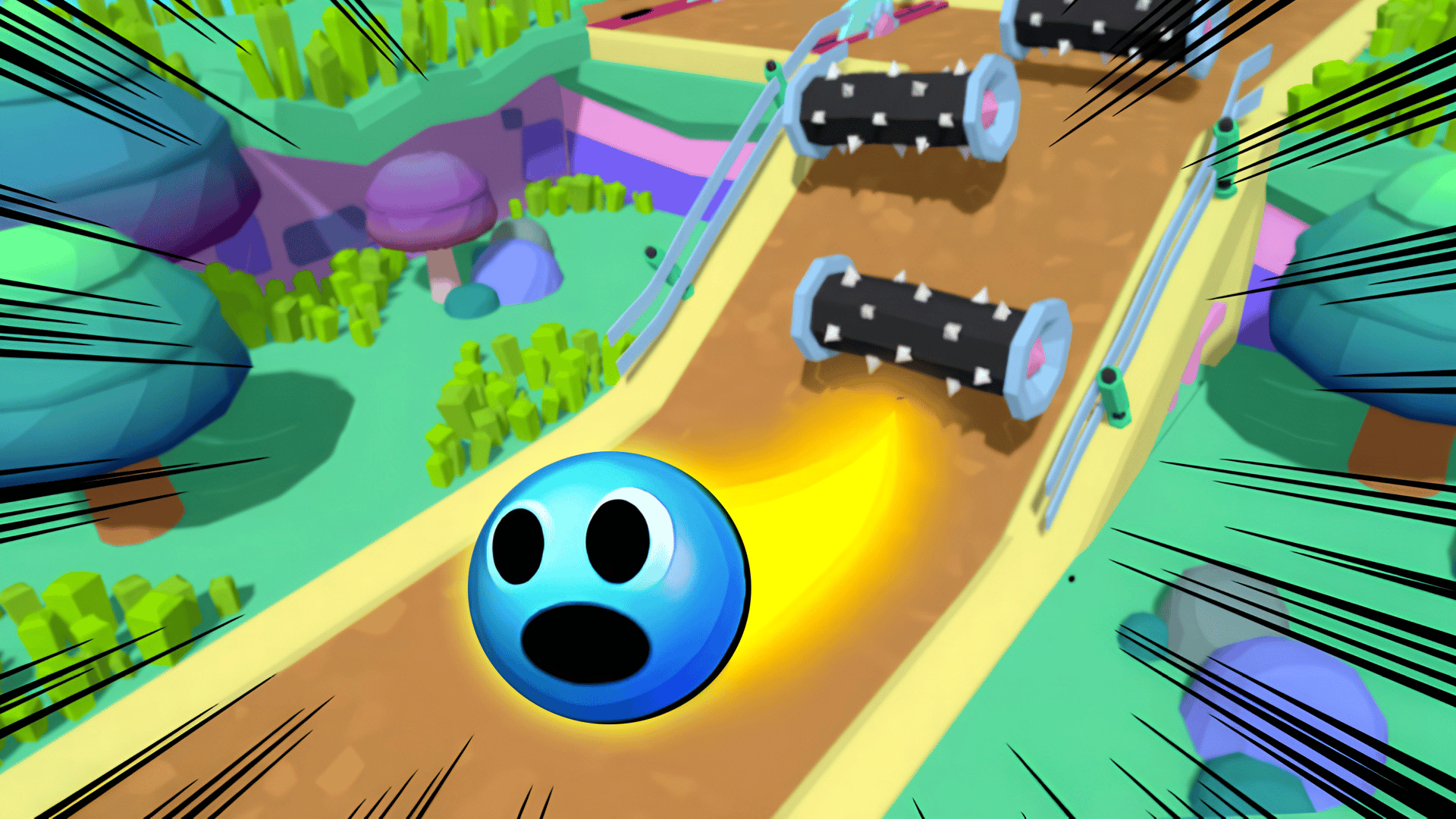
Official preview video provided by Playgama
Roll through an obstacle course playing as a ball. Avoid traps and collect coins to unlock new skins
The game controls depend on the device you are playing on. On PC: Use the WASD keys to control the ball. W (up) — moving forward. A (left) — turn left. S (down) is a backward movement. D (right) — turn to the right. The space bar is a jump. To use the improvements, click on the improvement icon on the left side of the screen. To buy a skin, click on the store icon in the menu. On a smartphone/tablet: On touch devices, control is performed using a virtual joystick located in the lower left part of the screen. Move your finger across the screen to control the movement of the ball. To jump, click on the button in the lower right part of the screen.
Yes, Ball: Path Through Obstacles is available to start without an entry fee on Plixfy. The game may contain ads or optional purchases; check its details and in-game terms.
No, Ball: Path Through Obstacles runs in your browser without installing an app. Open the play screen and allow the game files to load; loading time depends on your connection and device.
Ball: Path Through Obstacles is listed by Playgama as supporting mobile and desktop. This does not verify every device; check its control instructions and try it on your device.