

PVZ Fusion Cheats
Action
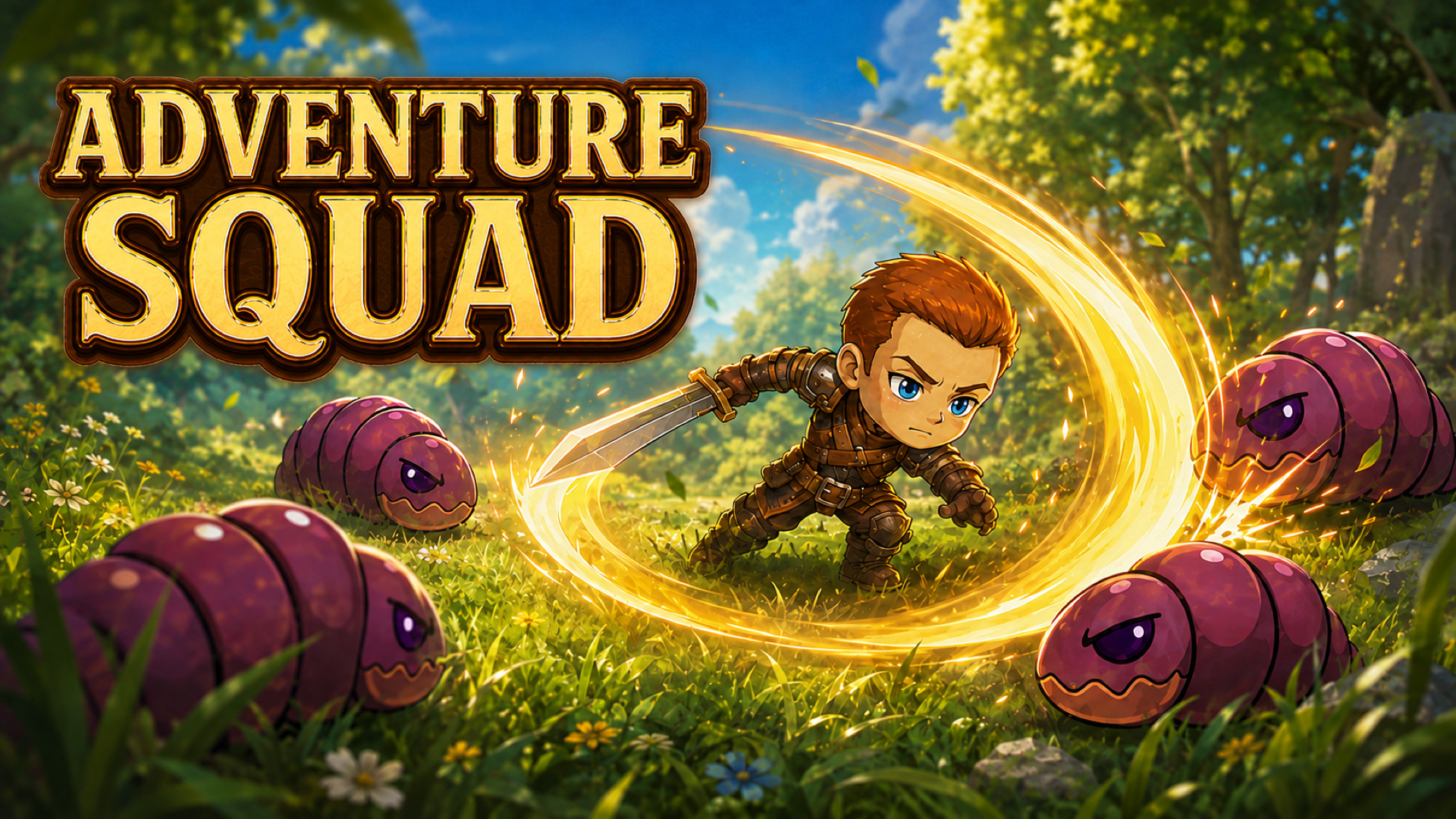
Official preview video provided by Playgama
Adventure Squad is a tactical RPG where you assemble a party from 60 unique classes and lead it through dangerous campaigns. Recruit heroes of different classes, arrange them on the battlefield, and combine tanks, fighters, archers, and mages. Your heroes battle waves of monsters while you control their active abilities and choose the right moment to turn the fight around. Earn gold from victories, strengthen your roster, and unlock new class branches. Each path changes a hero’s stats, role, and abilities. Enemies have distinct traits: they can attack the back line, inflict poison, summon reinforcements, heal allies, or rely on heavy armor. Adapt your formation and tactics, defeat powerful bosses, and advance across the adventure map.
1. On the squad screen, recruit heroes and drag them onto empty slots. Place defenders in front and keep archers and mages behind them. 2. Open the mission map and select an available battle. 3. Heroes attack automatically. Tap a ready hero ability and select a highlighted target when required. You can pause the battle. 4. Enable Auto mode to cast abilities automatically. Each automatic cast consumes one AutoCoin. 5. Defeat enemy waves, earn gold, recruit new fighters, and upgrade hero classes. If your squad is defeated, adjust the formation or strengthen the team, then retry the mission. Controls: click or tap buttons and characters; drag heroes between squad slots.
Yes, Adventure Squad is available to start without an entry fee on Plixfy. The game may contain ads or optional purchases; check its details and in-game terms.
No, Adventure Squad runs in your browser without installing an app. Open the play screen and allow the game files to load; loading time depends on your connection and device.
Adventure Squad is listed by Playgama as supporting mobile and desktop. This does not verify every device; check its control instructions and try it on your device.