Mobile vs Desktop Racing Games: How to Choose the Right Controls
Two titles can sit in the same racing category without supporting the same devices or inputs. The Plixfy catalog records device support and control instructions for each title. This guide uses those fields to show what to check before launch, then links to three live game pages whose catalog records support both mobile and desktop.
Check the supported-device label first
A catalog entry can list mobile and desktop together, desktop only, or mobile only. That label tells you where the listed input method is intended to work. It does not measure your hardware speed or connection quality, and it does not promise identical play on two different screens.
Two racing entries show why this check matters. Adventure Crazy Ramp Bike Stunt Game is listed as desktop only, while Bicycle Mountain Xtreme is listed as mobile only. Their shared category does not establish touch controls for the first title or keyboard controls for the second.
One dual-device example: Bike Stunt Game
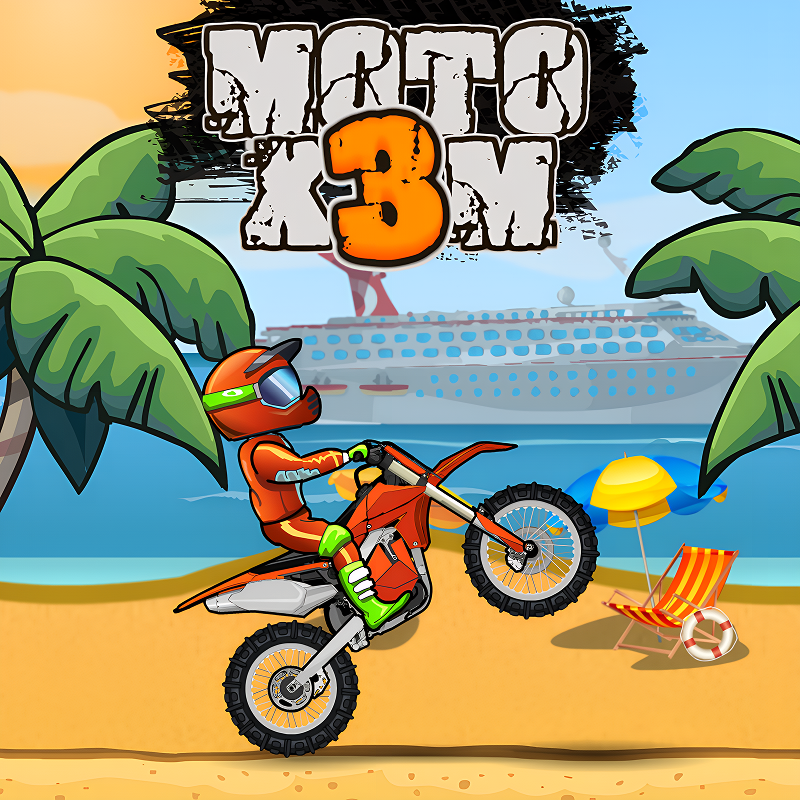
The catalog lists Bike Stunt Game for mobile and desktop. Its desktop instructions use the Up and Down arrow keys to lean forward or backward and Space to jump. Holding the input during a jump performs a trick before the landing attempt.
Its mobile instructions use taps on the left or right side to lean, an upward swipe to jump, and a press-and-hold gesture in the air for tricks. This is a comparison of the documented inputs, not a claim that either device is faster or better. Start with a short round to learn how the listed controls respond on your device.
Car games: on-screen controls and multiple keys
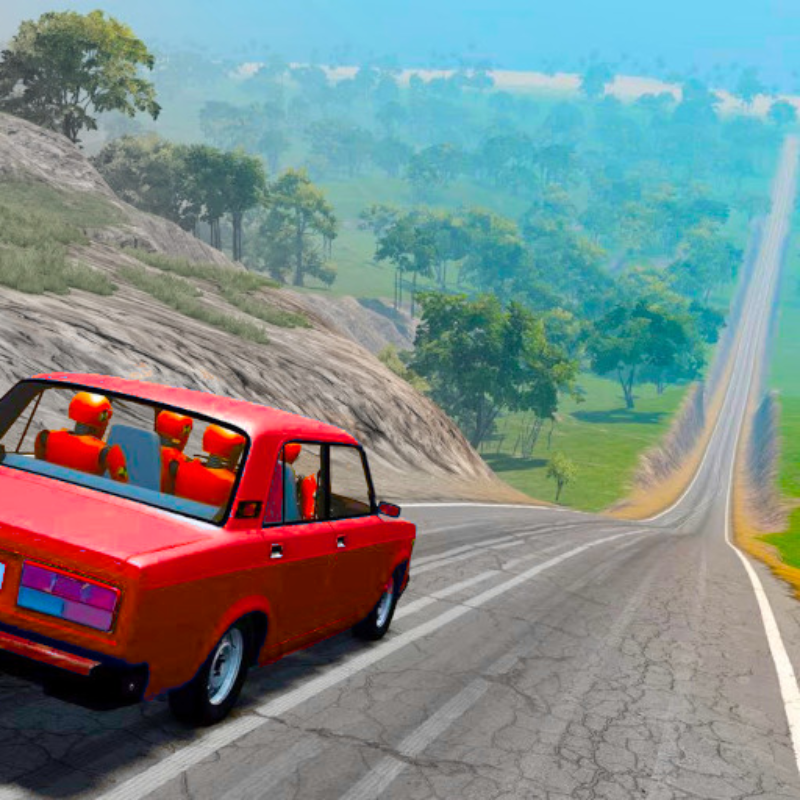
For A deadly car crash, the desktop instructions list WASD for steering, Space for braking, Shift for nitro, and C for the camera. On mobile, the catalog points to buttons shown on the game screen. This tells you which commands to expect before launch without assuming identical button placement or sensitivity on every phone.
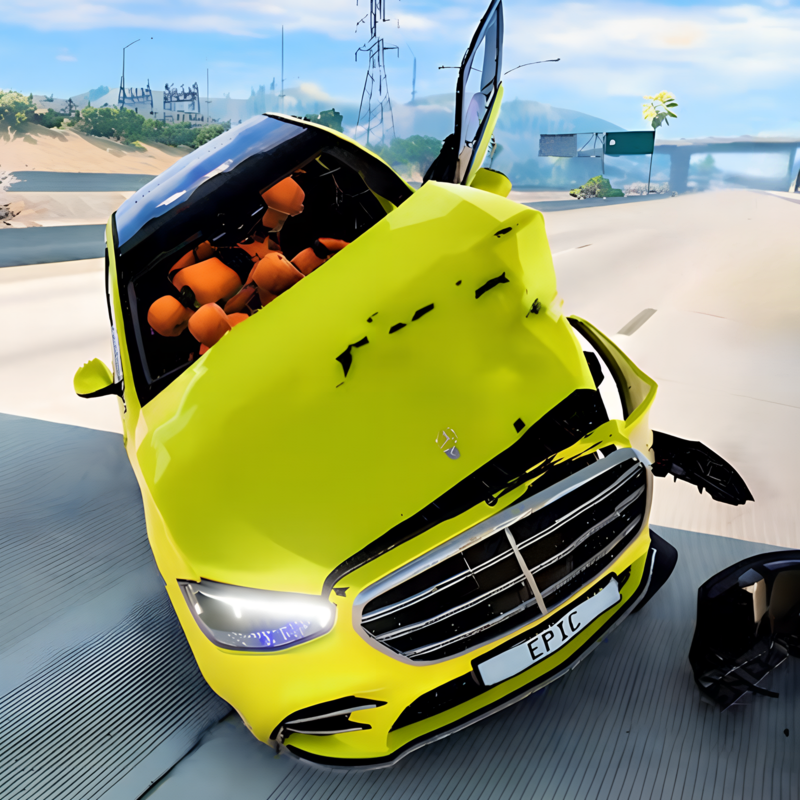
BMG Crash Test is also listed for mobile and desktop. Its desktop instructions include WASD for movement, Space for the handbrake, and C for the camera, plus additional keys for pause and car selection. Mobile players use the game interface. If you want a title to try on either device, begin with one of the three linked below because each carries the dual-device label in the catalog.
A practical check before pressing Play
Open the game page and read the supported-device line, then check whether the instructions call for touch input or a keyboard. After launch, try two basic commands first: movement and braking or jumping. If the documented input is unavailable, return to the page and choose a title labeled for your device.
For more choices, follow the racing category link beside the main call to action. The category page presents a wider set of titles, while this guide focuses on examples whose mobile and desktop instructions can be compared.
Three games listed for mobile and desktop
We verified that the display and launch routes exist for these titles. The catalog classifies each one as a racing game with mobile and desktop support. Open a card and read its controls before you start.


FAQ
Does the same racing title always work on mobile and desktop?
No. Support varies by title. Adventure Crazy Ramp Bike Stunt Game is listed for desktop only, Bicycle Mountain Xtreme for mobile only, and Bike Stunt Game for both.
Are the controls identical on a phone and a computer?
Not necessarily. Bike Stunt Game uses arrow keys and Space on desktop, while its mobile instructions use taps and swipes.
Do I need to install software for the three linked games?
Their Plixfy pages and embedded launch routes open in the browser. This guide does not test or describe a separate downloadable version.
How do I check device support before playing?
Read the device and control information on the title page. When an entry is marked desktop only or mobile only, use the matching device.